
Blount
The goblin protagonist whose journey drives the game's puzzles and story.
Documented for this version
Mouse Left Button | Select, move, or interact with an on-screen object. |
|---|---|
Mouse Right Button | Open the contextual action or inventory interaction, where supported. Exact behavior can vary by game screen. |
A DOS mouse is the documented primary input method.
The game does not use a conventional combat control scheme.
How it plays
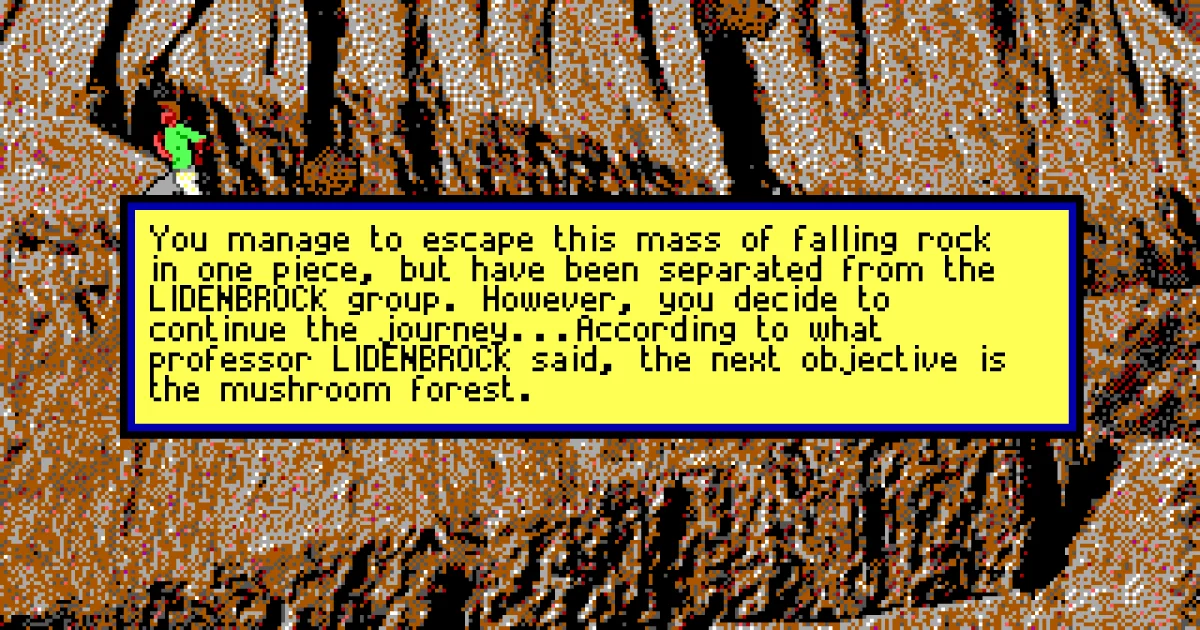
Goblins 3 uses a third-person 2D point-and-click perspective. The player guides Blount through connected screens, examines the environment, talks to characters, picks up objects, and combines or uses items to overcome obstacles.
Progression is puzzle-based rather than combat-focused. Each area presents a sequence of interactions, often requiring experimentation with several objects or timed actions. The game advances through story locations and self-contained challenges, with no character-stat system or conventional action stages.
Plan your run
Examine every visible object and try interactions even when their purpose is not obvious. Record unusual items and locations, since an object found in one scene may solve a puzzle much later.
When stuck, test combinations systematically and revisit earlier screens. Many solutions depend on the exact order of actions rather than on obtaining a stronger item.
Meet the cast
The goblin protagonist whose journey drives the game's puzzles and story.
Before you begin
Inspect each scene carefully before moving on.
Keep track of objects that have not yet found a clear use.
If a puzzle seems impossible, revisit earlier locations and repeat interactions in a different order.
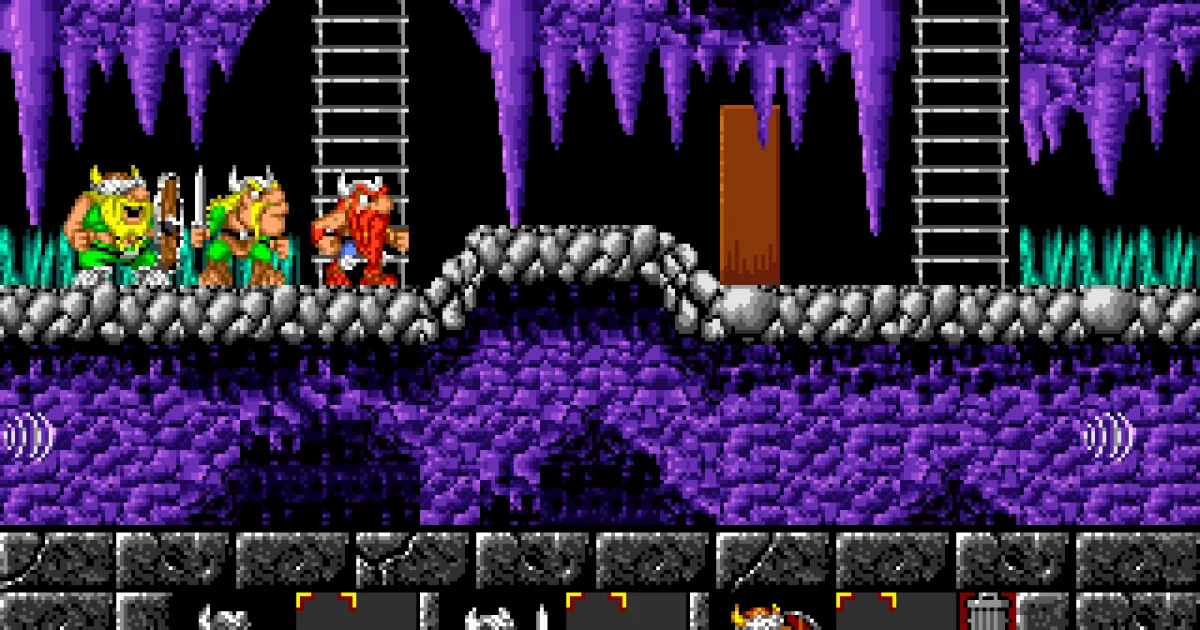
Goblins 3 is a surreal graphic adventure and puzzle game developed by Coktel Vision for DOS and released in 1993. It continues the series' tradition of absurd situations, cartoon animation, and environmental problem solving, with the goblin Blount at the center of a strange fantasy journey. The game is played through a mouse-driven point-and-click interface. Players explore illustrated locations, collect and use objects, and experiment with characters and scenery to solve deliberately unconventional puzzles. Its humor, animation, and visual style were generally recognized, although the puzzles could be obscure and the interface occasionally awkward. It remains a notable European adventure game of the early 1990s.
Catalog entry maintained by EmuGamers Editorial Team
Community discussion
What are players saying?