
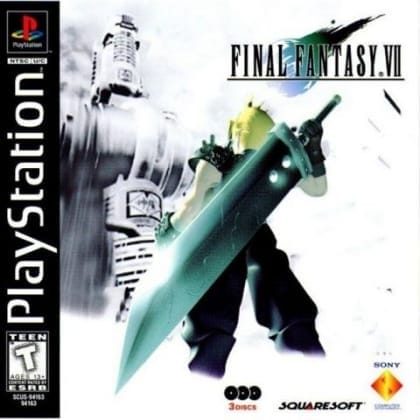
Final Fantasy VII
psRole-Playing
Documented for this version
D-pad Left/Right | Steer |
|---|---|
X | Accelerate |
Square | Brake or reverse |
Circle | Confirm selected menu items |
Triangle | Change the in-race display view |
Start | Pause the game |
Button assignments can vary with the selected controller configuration.
How it plays
The game uses a third-person perspective behind the car, with optional first-person cockpit-style views depending on the selected display mode. Players race on paved circuits, complete license tests, and earn credits from events.
Arcade Mode provides immediate racing with selected cars and tracks. Gran Turismo Mode adds progression: pass licenses, buy and sell vehicles, install performance parts, and enter increasingly demanding championships. Winning events unlocks prize cars and additional competition.
Plan your run
Brake before corners instead of entering at maximum speed, and begin accelerating once the car is pointed toward the exit.
psRole-Playing
psAction-Adventure
psPuzzle
Gran Turismo is a driving simulation game developed by Polyphony Digital, then known as Polys Entertainment, and published by Sony Computer Entertainment for the original PlayStation. It combines licensed production cars with circuit racing, time trials, driving tests, and vehicle tuning. The game emphasizes careful braking, racing lines, tire management, and learning each car's handling rather than purely arcade-style acceleration. Its large selection of real-world vehicles and detailed progression system made it unusually ambitious for a console racer. Gran Turismo received strong critical and commercial reception, helping establish realistic Japanese console racing as a major genre and launching one of PlayStation's most important series.
Catalog entry maintained by EmuGamers Editorial Team


Community discussion
What are players saying?