
Documented for this version
Which controls does this version use?
Actions
Keyboard | Use the directional pad for movement and menu selection, A and B for the active mini-game actions, and Start or Pause for selection and pause screens. Verify the loaded game-gear build instructions when the public sources do not provide a complete control table. |
|---|
Control notes
The loaded game-gear mapping takes priority over generic labels.
How it plays
How does 5 in 1 Funpak (USA, Europe) play?
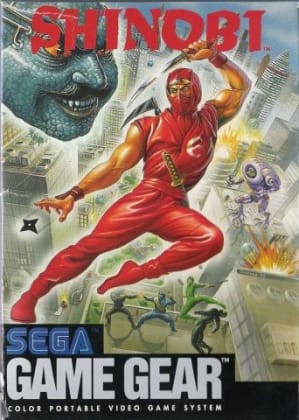
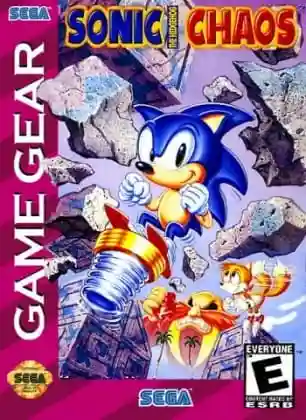
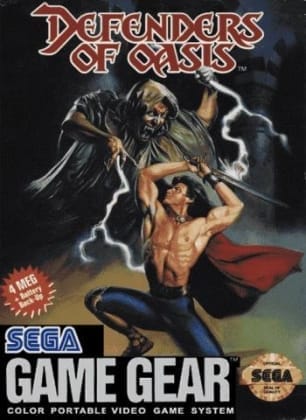
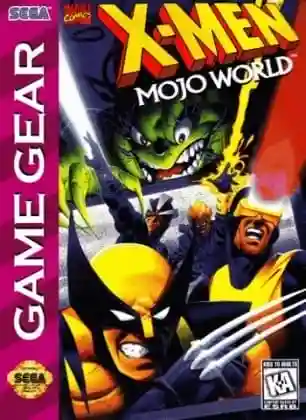
Choose one of the five included games, learn its individual objective, and play for a high score or completion. The collection is designed around quick sessions, so each title has its own control rhythm and scoring loop rather than a shared campaign.
Plan your run
What is the best way to play 5 in 1 Funpak (USA, Europe)?
Read the selected game's instructions before starting, practise one title at a time, and use save states only after confirming which mini-game is active. Focus on the scoring rule instead of applying the controls from another included game.
Community discussion
What are players saying?