
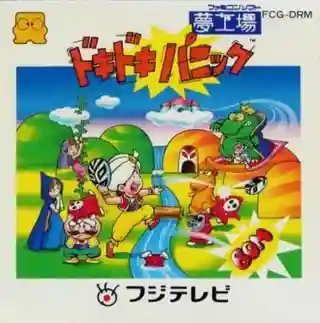
Yume Kōjō: Doki Doki Panic
fdsPlatformer1987
Documented for this version
Arrow LeftArrow Right | Steer the car Use left and right to guide the car through the course. |
|---|---|
A | Accelerate Hold to increase speed. |
B | Brake Use to reduce speed before corners. |
Controls are listed for the Famicom controller; the supplied platform is Famicom Disk System.
How it plays
Races use a behind-the-car view with the road divided into courses and checkpoints. The objective is to reach the finish before the timer expires while overtaking rival cars and avoiding collisions.
Players steer through bends, adjust speed, and manage fuel during each event. Completing races advances the championship and provides access to later, more difficult courses. The game is designed for solo play.
Plan your run
Brake before entering tight corners rather than trying to turn at maximum speed. Plan overtakes on straight sections, where contact with rival cars is less likely.
Watch fuel and time as carefully as position. A clean, controlled lap is usually more valuable than repeated high-speed collisions.
Before you begin
Reduce speed before corners and accelerate after the car is aligned with the road.
Avoid unnecessary contact with rival cars because crashes cost both time and control.
Famicom Grand Prix: F1 Race is a Formula One-inspired racing game developed by Nintendo R&D1 and published by Nintendo for the Famicom Disk System. It presents races from a behind-the-car perspective, with the track scrolling toward the player as opponents and hazards appear ahead. The main premise is to complete championship-style courses quickly while managing speed, steering, fuel, and race position. Its play style is more technical than a simple arcade sprint, especially on narrow sections and during high-speed turns. Released in Japan in 1987, it was an early Nintendo experiment with pseudo-3D racing presentation on the Famicom hardware. Reception has generally recognized its ambitious perspective and smooth scrolling, while noting its limited content and demanding handling.
Catalog entry maintained by EmuGamers Editorial Team
Community discussion
What are players saying?