
Brian
The young protagonist and apprentice mage who searches for his kidnapped father.
Documented for this version
Control Stick | Move Brian |
|---|---|
A | Confirm choices and interact |
B | Cancel or perform the basic attack |
Z | Defend |
C Buttons | Use or select magic |
The exact function of some C-button assignments can vary by context.
How it plays
The adventure is viewed from a third-person perspective as Brian travels across a connected fantasy world. The main objective is to visit towns, explore fields and dungeons, defeat monsters, and gather information about Benjamin and the missing spirits.
Battles begin when Brian encounters enemies and move into a combat arena. He can run, dodge, defend, use physical attacks, and cast spells from four elemental disciplines. Experience improves Brian's attributes and spells, while saved progress is recorded at designated locations.
Plan your run
Learn enemy attack patterns before spending magic points. Keep moving during arena battles, use defensive positioning against strong attacks, and favor elemental spells that match the situation.
Explore towns and side paths thoroughly for healing items and spell growth. Save regularly at available save points, especially before entering unfamiliar areas or major encounters.
Meet the cast
The young protagonist and apprentice mage who searches for his kidnapped father.
Brian's father, whose disappearance begins the central quest.
Before you begin
Use movement and distance to avoid attacks rather than relying only on defense.
Experiment with the elemental schools because spell effectiveness varies by enemy.
Search optional paths for items and upgrades before advancing the story.
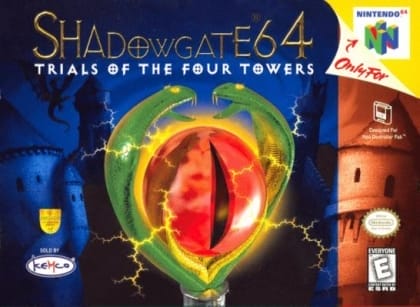
Nintendo 64Action-Adventure
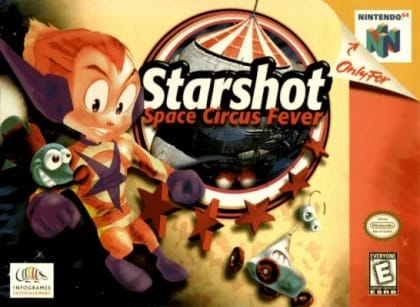
Nintendo 64Fighting
Nintendo 64Racing
Quest 64 is a fantasy role-playing game developed by Imagineer for the Nintendo 64. Players control Brian, a young apprentice who leaves his monastery to search for his kidnapped father, Benjamin, and recover a powerful magical artifact. The game uses real-time movement through 3D environments, while battles take place in a separate arena with freely moving combatants and elemental spells. Its streamlined design emphasizes exploration and direct combat over equipment management. Reception was mixed: critics often noted its colorful world and accessible battles, but also its short length, limited story, and technical restrictions.
Catalog entry maintained by EmuGamers Editorial Team

Community discussion
What are players saying?