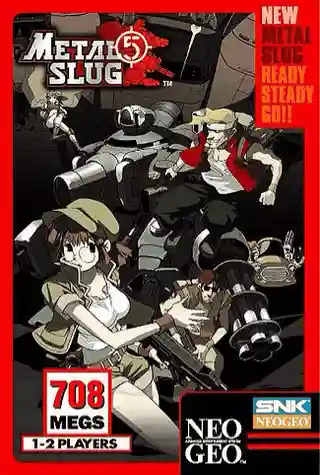
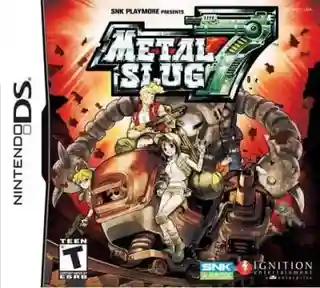
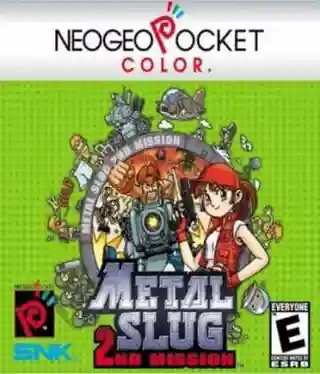
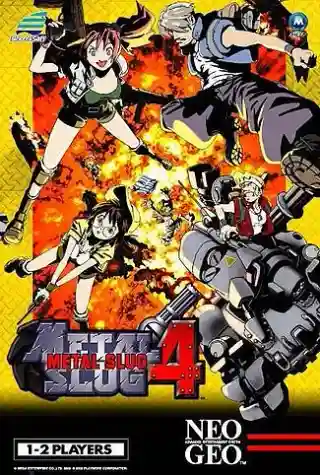
Metal Slug
Arcade SystemsRun and Gun
Start with a Metal Slug arcade entry or choose a handheld adventure, then check movement, fire, jump and grenade controls.
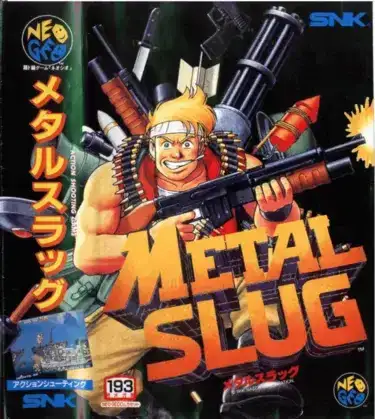
Start with the original arcade run-and-gun game.
Arcade Systems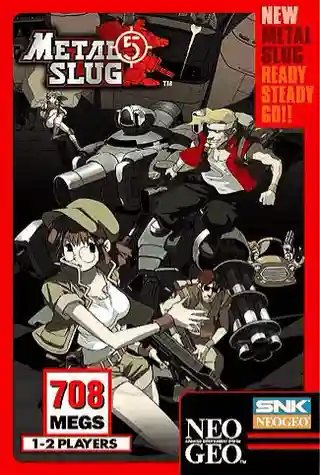
Choose an original release by platform and style. Open its game page to check browser-play availability and controls.
Arcade SystemsRun and Gun
Start with the original arcade run-and-gun game.
Arcade SystemsRun and Gun
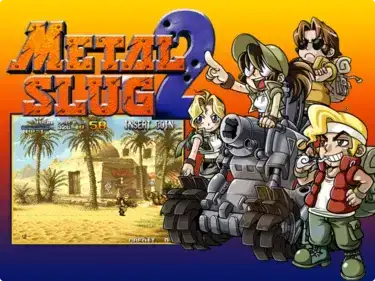
Continue the arcade series with Metal Slug 2.
Arcade SystemsRun and Gun
Compare SNK’s revised version of Metal Slug 2.
Game Boy AdvanceRun and Gun
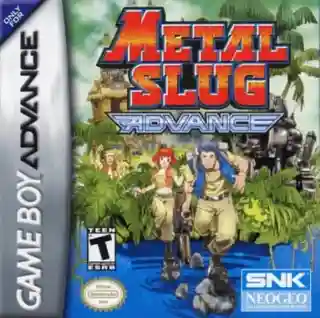
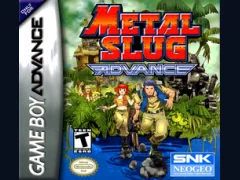
Try the separate Game Boy Advance adventure.
Original releases and fan modifications have different game pages. Check the full title and platform before starting or restoring a save.
Arcade SystemsRun and Gun
Arcade SystemsRun and Gun
Arcade SystemsRun and Gun
Arcade SystemsRun and Gun
Nintendo DSRun and Gun
Arcade SystemsRun and Gun
Neo Geo PocketRun and Gun
Arcade SystemsRun and Gun
Neo Geo PocketRun and Gun
Game Boy AdvanceRun and Gun
Arcade SystemsRun and Gun
Game Boy AdvanceRun and Gun
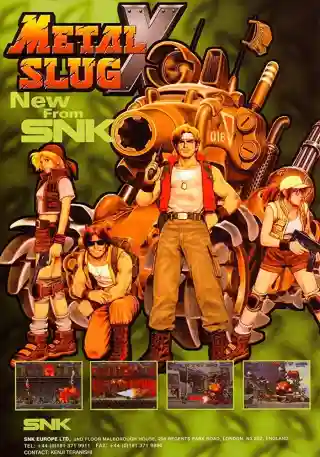
The original Metal Slug, Metal Slug 2, and Metal Slug X are separate entries. Choose a release before opening its player, especially when returning to a save.
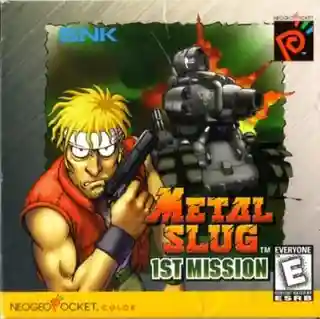
Metal Slug Advance and the Neo Geo Pocket missions are handheld games. Their controls and presentation differ from the arcade entries.
Check movement, fire, jump, and grenade buttons on the selected game page. An arcade title may also need a credit and Start to begin.
Metal Slug began as an arcade action-shooting series in 1996. Metal Slug X reworked Metal Slug 2, while handheld releases followed their own formats. Metal Slug X is an official release, and the handheld games are separate entries rather than interchangeable arcade versions.
Read the official series backgroundNo. SNK released Metal Slug X as an official revised version of Metal Slug 2. It is a separate game entry; choose the exact title when starting or restoring progress.
Open the selected game page to check its keyboard, touch or controller settings. Different systems use different layouts; an arcade game may also require Coin and Start.
Check the selected player’s available save options before leaving. Return to the same game and edition to restore progress; saves are not interchangeable between versions.
Explore 10 series guides to choose a game, compare original and modified editions, and find controls and save guidance.
 Super Mario28 gamesPick a classic Mario adventure, compare console and handheld editions, and start playing in your browser.
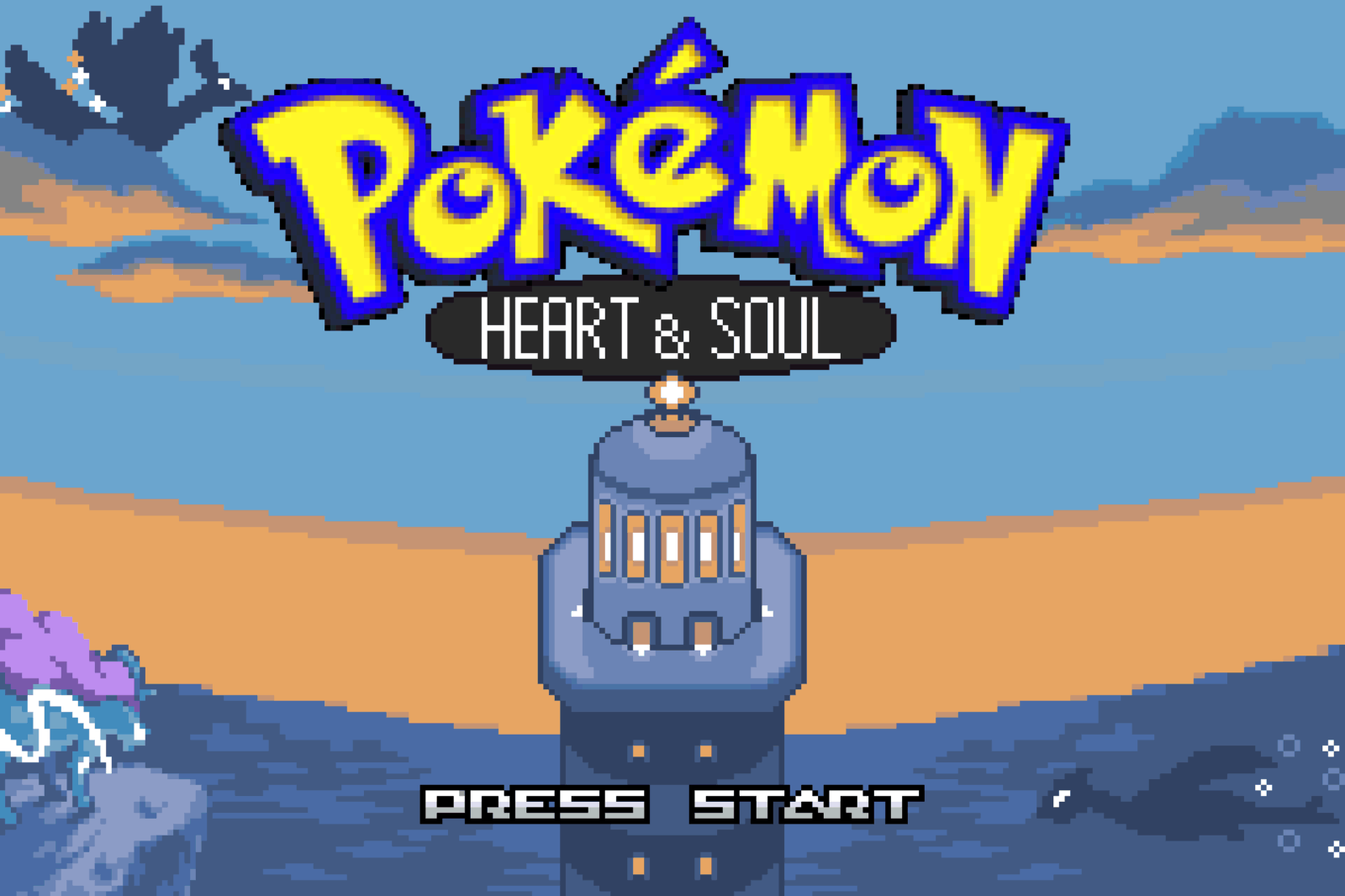 Pokémon series34 gamesChoose a region and platform, compare original Pokémon releases with fan modifications, and open the edition you want to play.
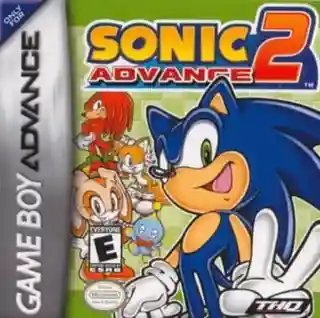 Sonic the Hedgehog48 gamesFind the Sonic adventure you remember by platform, from Genesis classics to Game Boy Advance and Nintendo DS releases.
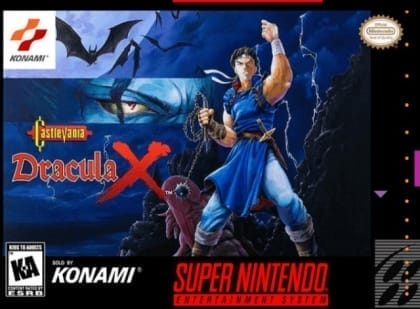 Castlevania25 gamesChoose a classic stage-based Castlevania game or an exploration-focused adventure, then compare the exact platform and edition.
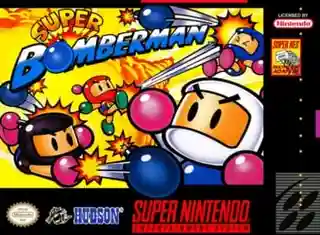 Bomberman33 gamesCompare Bomberman’s maze battles, console adventures and spin-offs. Choose a game before checking the player’s available controls and modes.
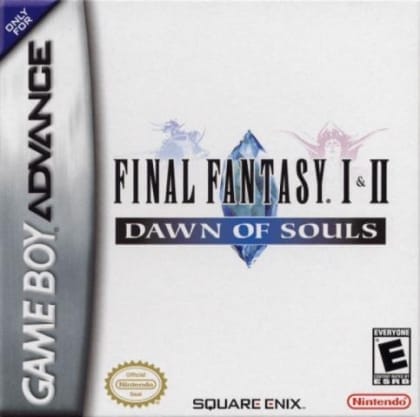 Final Fantasy31 gamesChoose a Final Fantasy story and compare its console or handheld edition before starting a longer role-playing adventure.
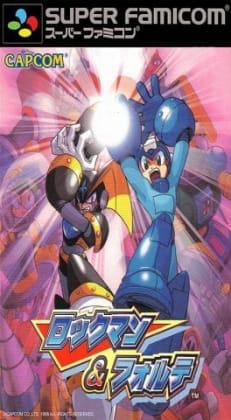 Mega Man24 gamesBrowse Mega Man’s classic action-platform games by number and platform, and distinguish them from arcade and racing spin-offs.
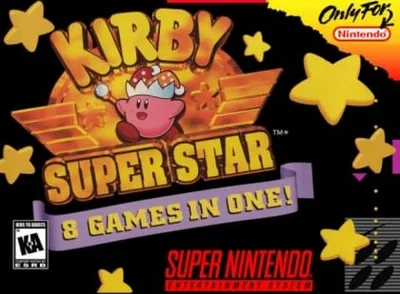 Kirby17 gamesChoose a Kirby platform adventure or a separate spin-off, with a clear platform label beside every featured game.
 The King of Fighters16 gamesChoose a King of Fighters release by year and platform, keeping original arcade games separate from modified editions.
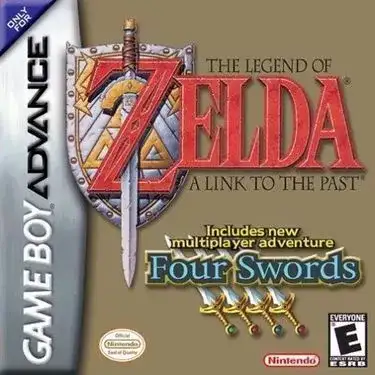 The Legend of Zelda22 gamesChoose a Zelda adventure by platform and viewpoint, from overhead exploration to Nintendo 64’s 3D worlds.